How to customize or disable your consent page
Copilot's customizable recording consent page is displayed to all participants before they join a meeting. This page can feature your company's logo and messaging.
Learn more about recording compliance in Copilot.
Let your brand shine through with your logo and a message that speaks like you do. Or disable the consent page if you need to (admin-only). Here's how:
-
Go to Your Profile icon (top right) > Workspace settings.
-
Click Consent & Compliance in the left nav.
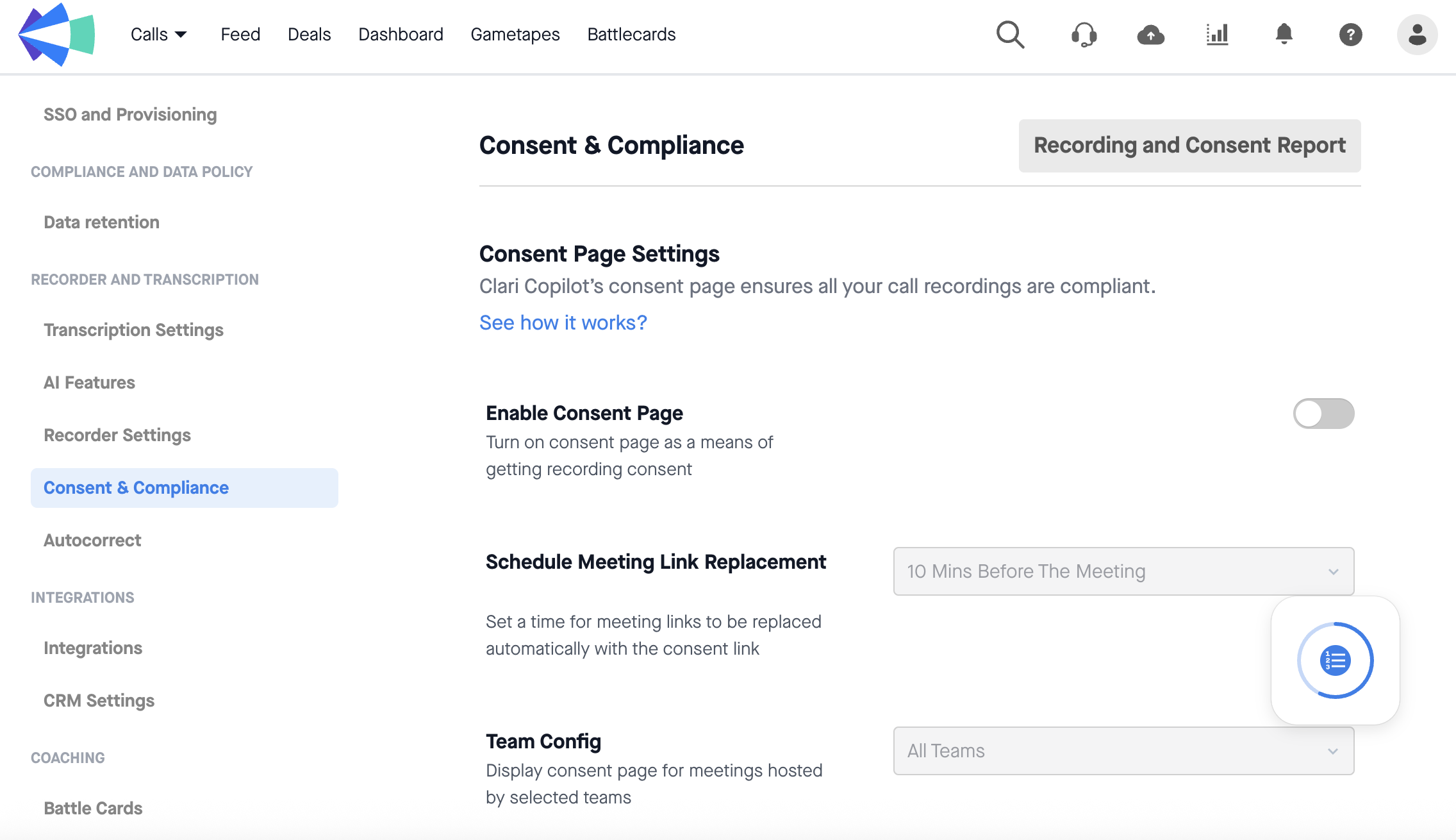
3. Enable the consent page only for specific teams (or disable it for all).
4. Customize your recording disclaimer and hit Save.
5. Scroll down and click Customize Consent Page to upload your company logo.
6. Ask your recording users to re-sync their calendars in Copilot.
